Your First Document
This guide walks you through creating and saving your first document in Clarus.
Creating a New Document
Begin by clicking New File at the bottom of the sidebar. Clarus immediately opens a fresh, untitled document so you can start writing without any setup ceremony.
Starting with an Untitled Draft
A new draft opens with prompts for topic, audience, goal, and takeaway above the writing area. The body is ready immediately, so you can begin drafting first and organize later. If you have not named the document yet, it remains easy to spot as Untitled in the documents list.
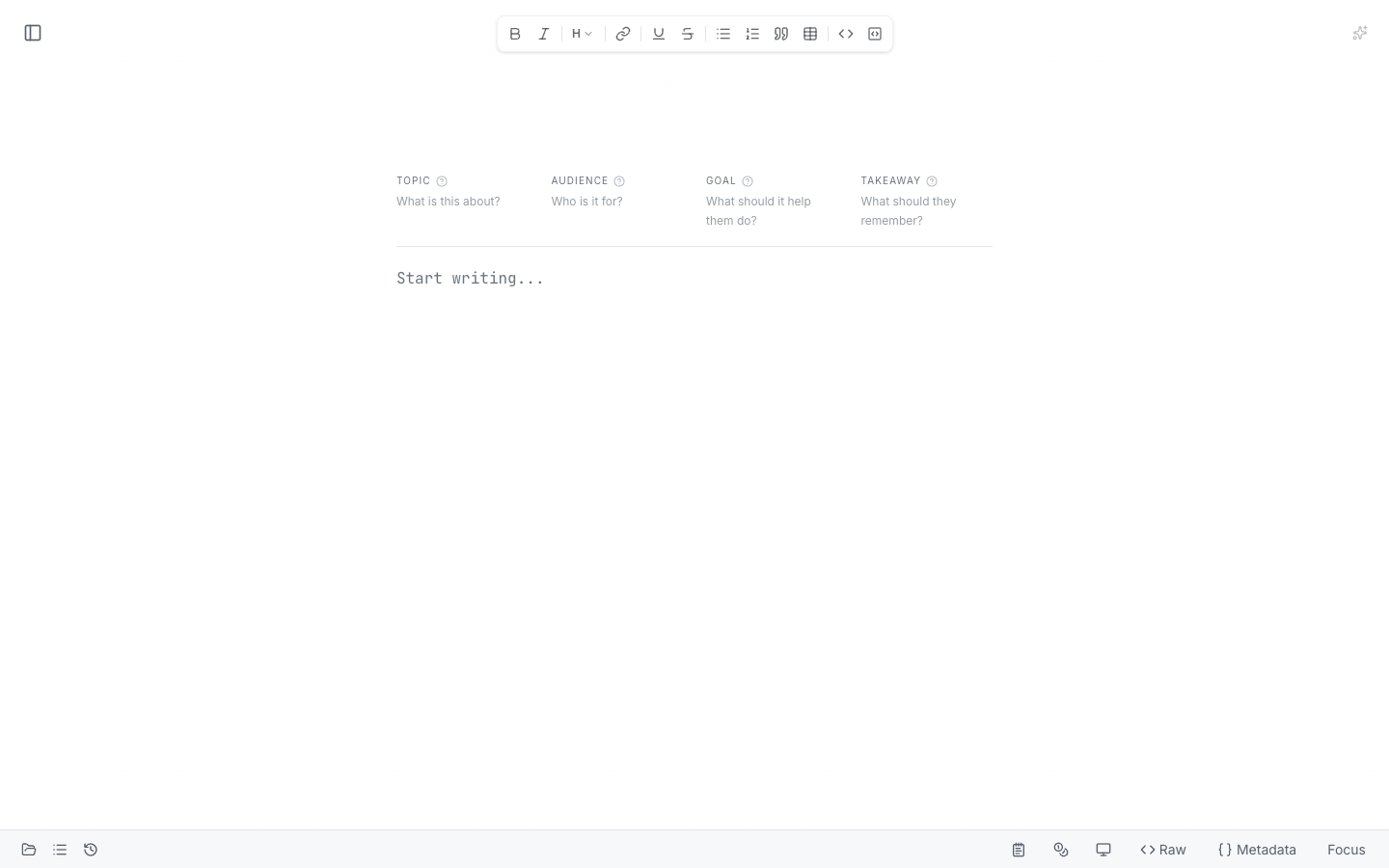
A new draft starts blank and ready to write, with optional context fields at the top.
Organizing Your Work: Projects
Clarus groups related documents in the left sidebar. Think of these as project buckets for ongoing work. You can keep drafts together, open them quickly, and move between active documents without leaving the editor.
The sidebar stays visible while you write, so it is easy to keep an eye on where each draft lives.
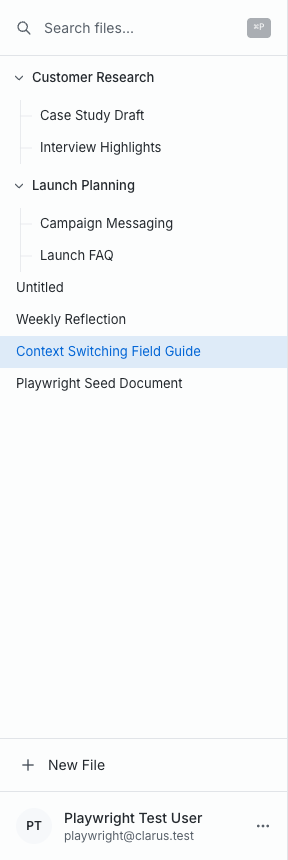
Projects in the sidebar keep related documents grouped together and easy to reopen.
Markdown Files
Behind the scenes, Clarus saves every document as a plain text file using the Markdown format. This means your content remains accessible and portable. You aren’t locked into a proprietary file type.
While you don’t need to learn Markdown to use Clarus, it gives you flexibility if you’re familiar with it.
Persistence
Everything you write in Clarus is automatically saved. Your documents will be available the next time you open the application. You don't need to manually save your progress. Your work remains secure and accessible, always.