Themes
Available themes
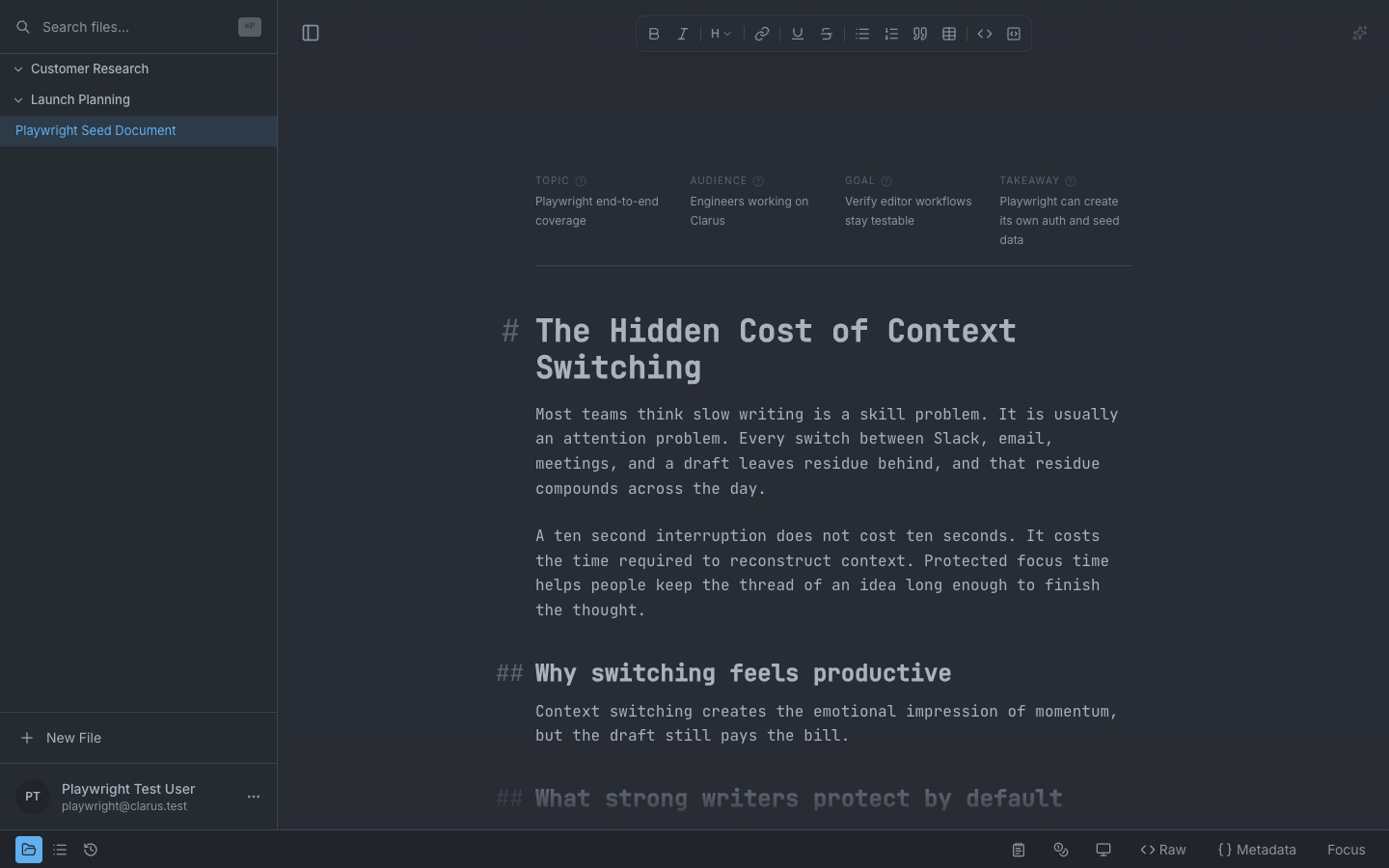
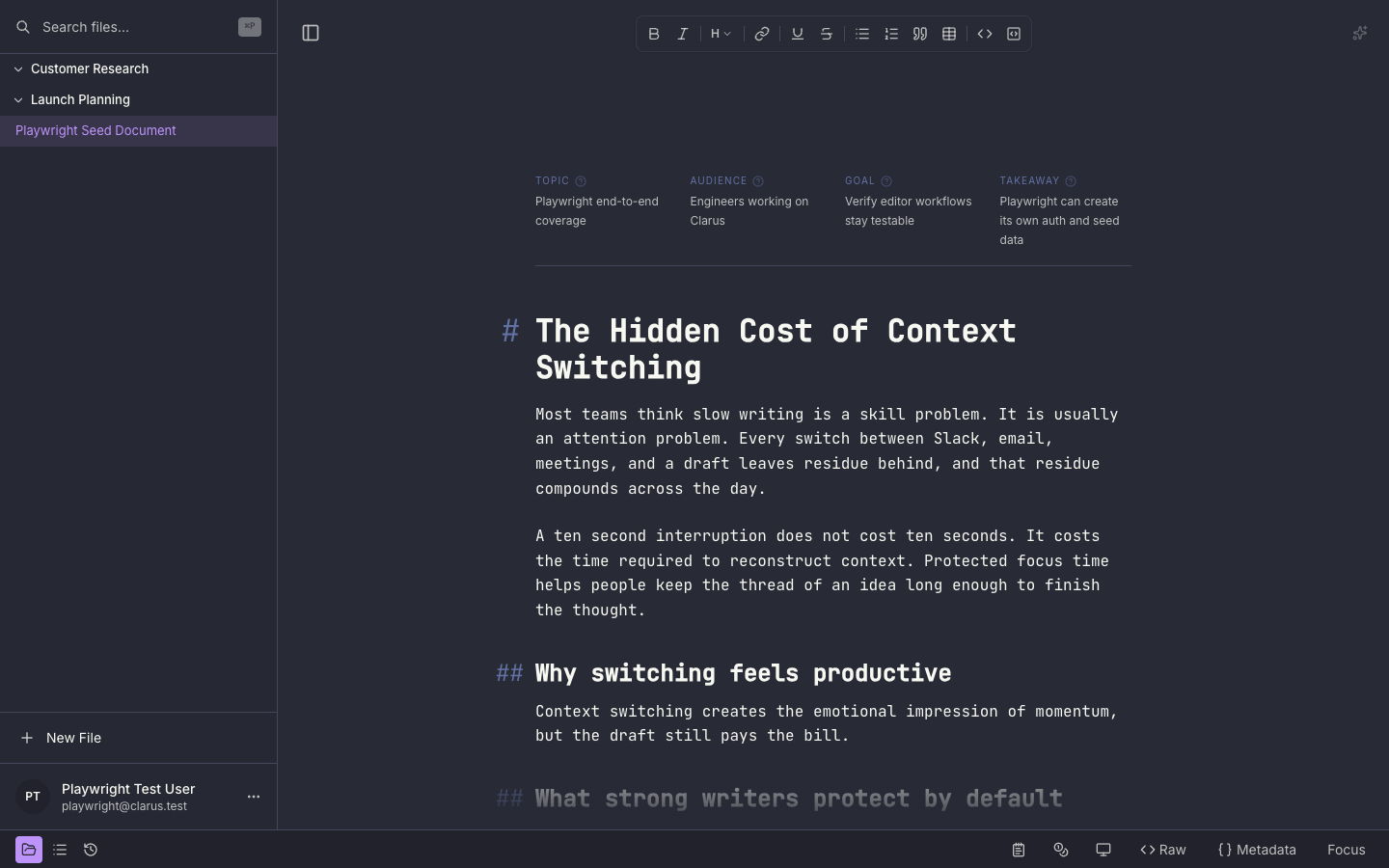
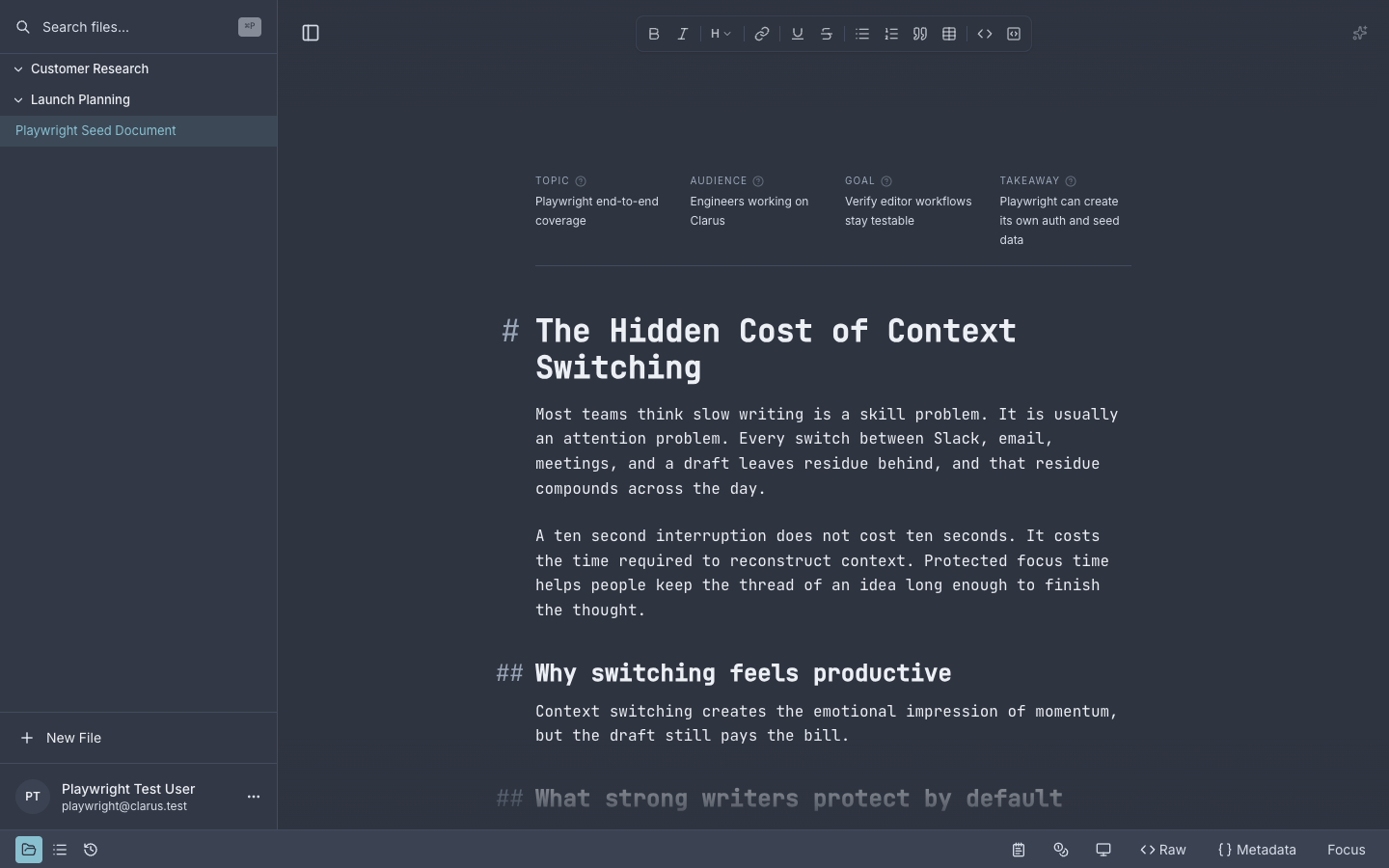
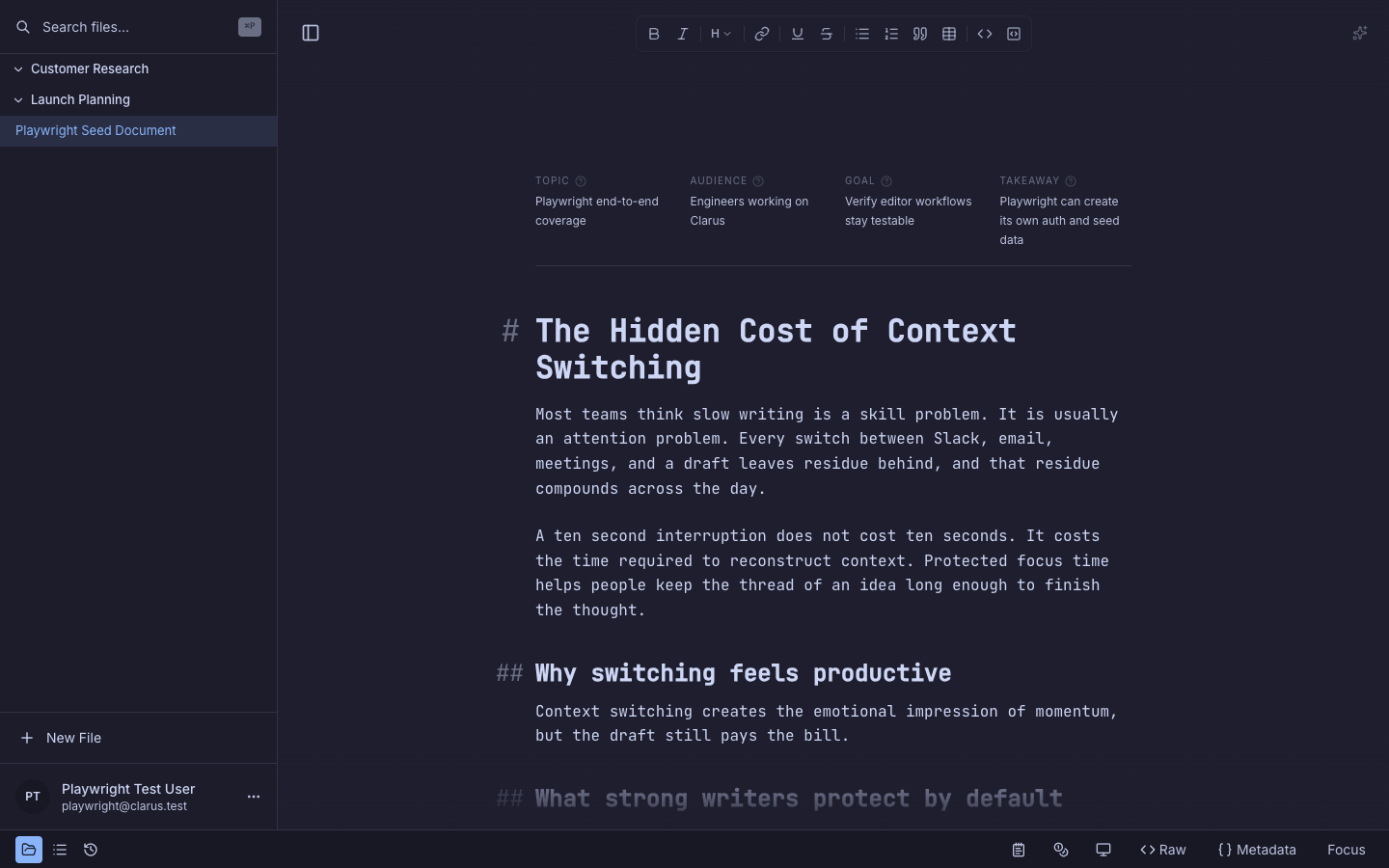
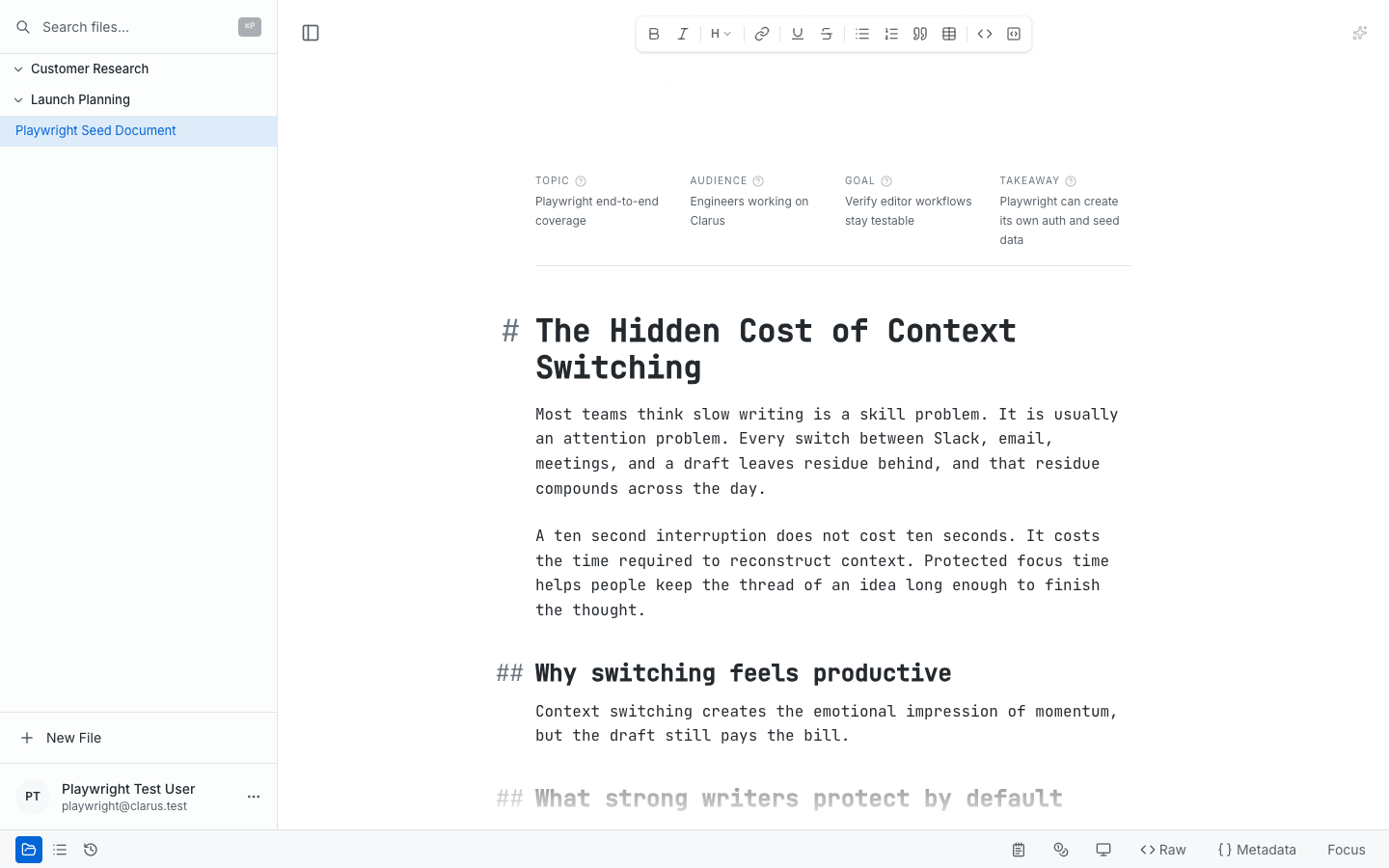
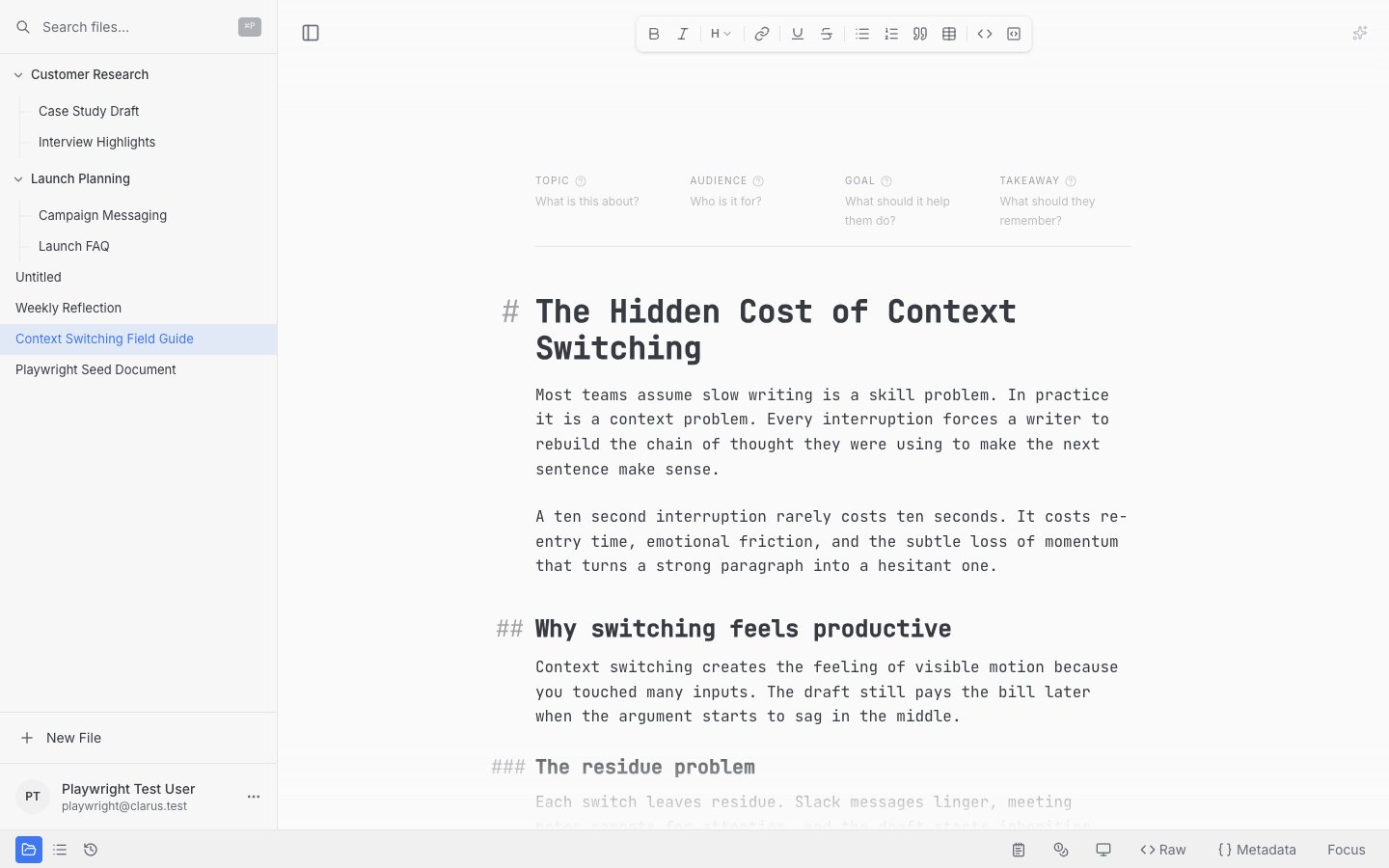
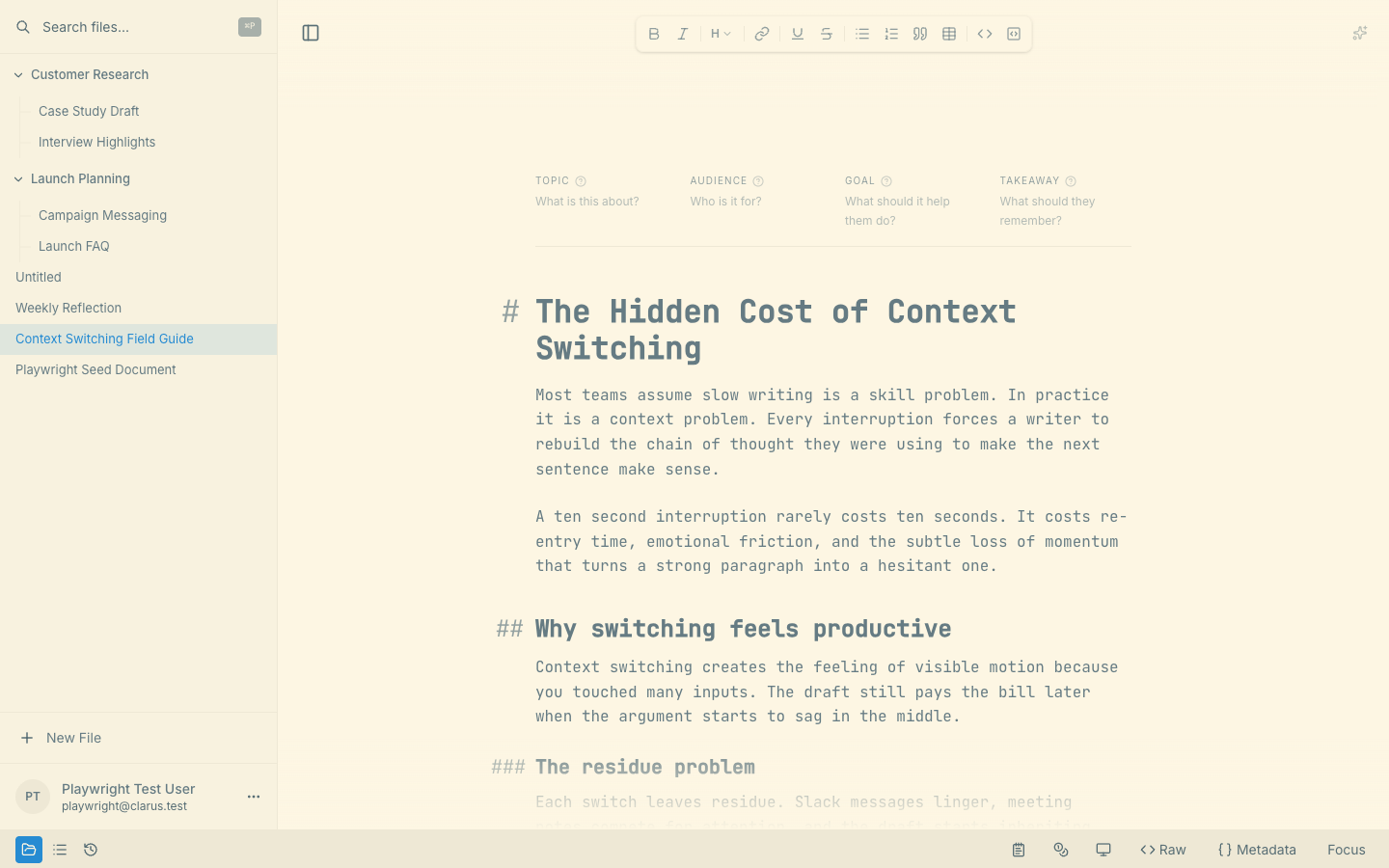
Clarus offers a set of light and dark themes to customize your writing experience. These themes are designed to reduce eye strain and keep long writing sessions comfortable. The current selector includes:
Dark Themes:
- One Dark Pro
- Dracula
- Nord
- Catppuccin Mocha
- Tokyo Night
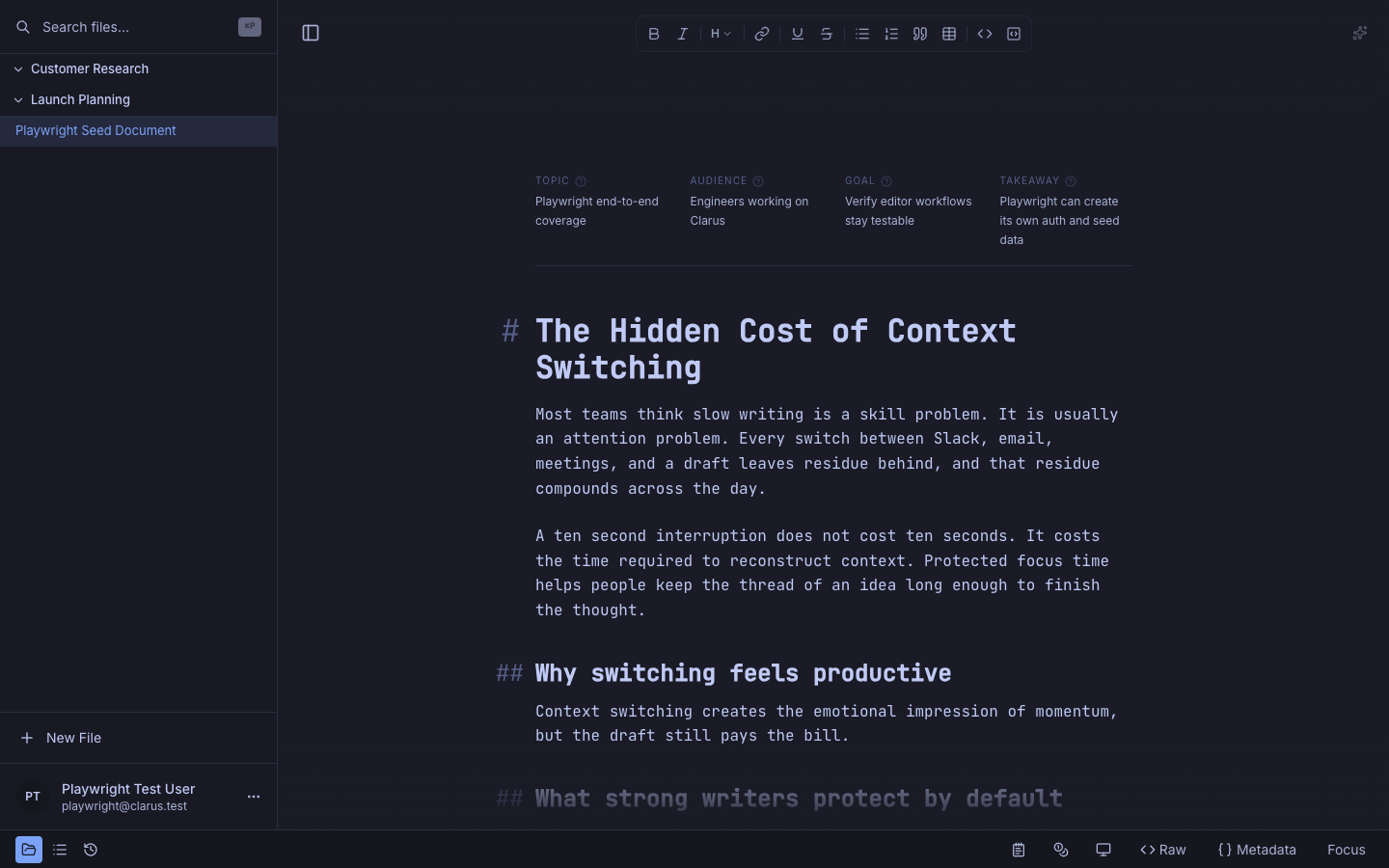
Light Themes:
- GitHub Light
- One Light
- Solarized Light
- Quiet Light
- Catppuccin Latte
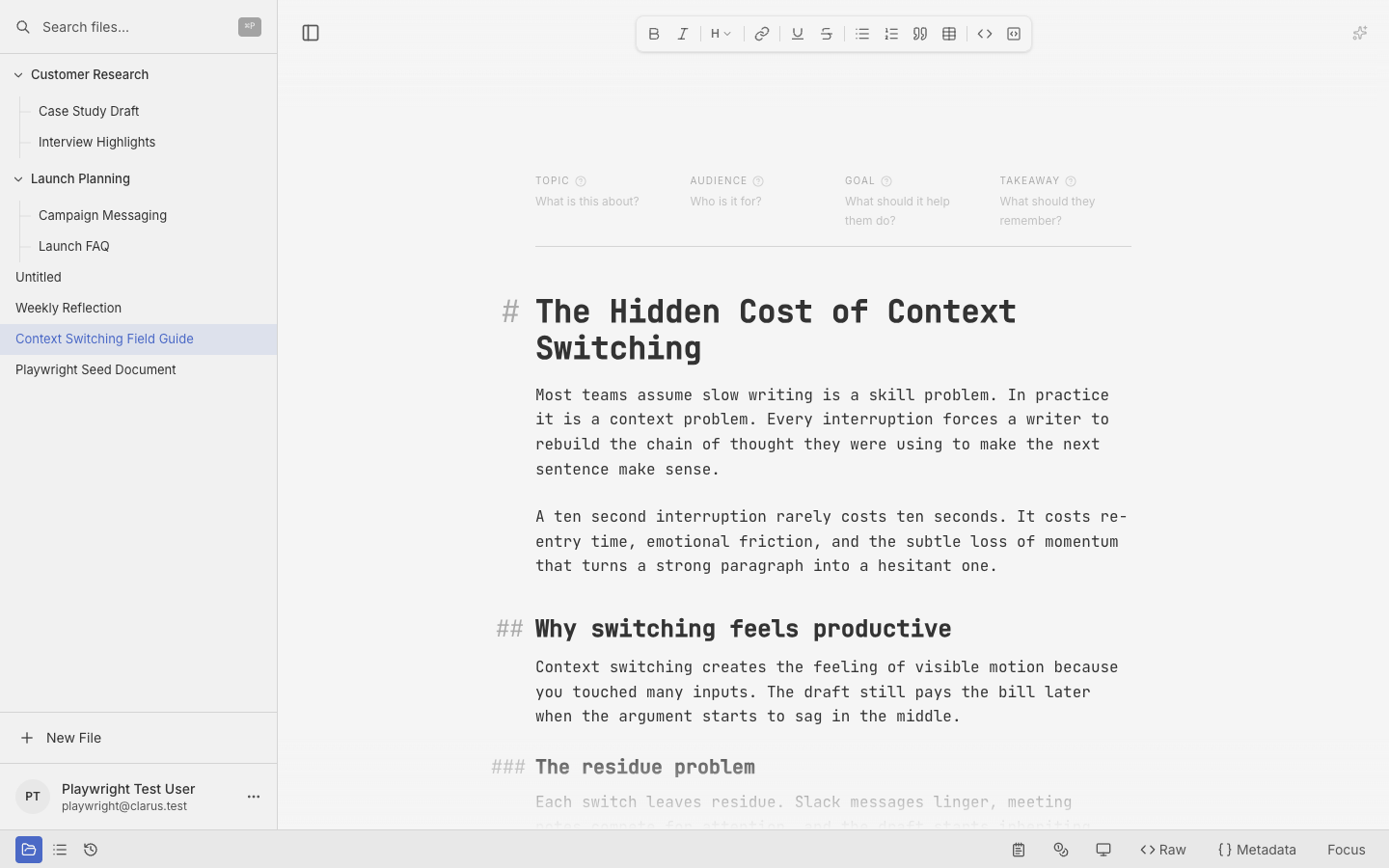
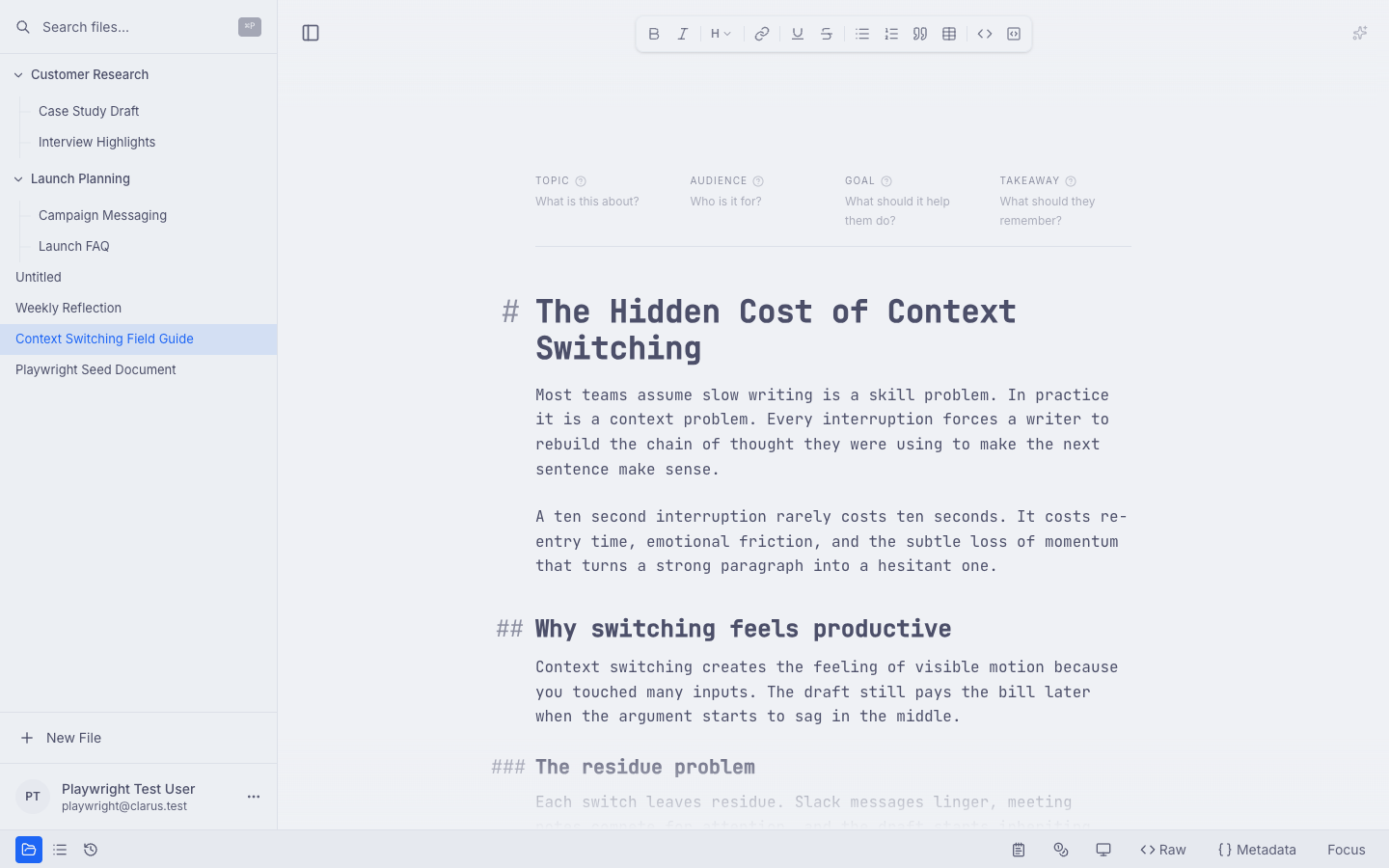
Switching themes
You can easily change your preferred theme. Open Appearance to bring up the theme preferences dialog, then choose the light and dark presets you want Clarus to use. The preview updates immediately while the dialog is open, and your selections are saved automatically.
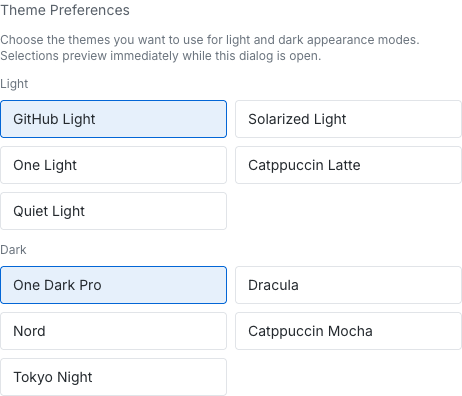
Theme selection happens in the Appearance dialog, where Clarus lets you choose light and dark presets separately.
Light vs dark mode
By default, Clarus respects your operating system’s preference for light or dark mode. This means if your computer is in dark mode, Clarus will automatically follow suit. However, you can always override this. Choosing a specific theme will lock that preference, regardless of your system settings.
All our dark themes are considered “true” dark. They avoid shades of gray and instead embrace darker tones. This design choice aims to be truly comfortable for nighttime viewing.
Choosing a theme for long sessions
Consider your typical writing environment. Dark themes generally work best at night or in conditions with low lighting. They’re less likely to cause glare.
If you usually write in bright environments, a light theme will likely be easier on your eyes. The increased contrast can make reading smoother.
We recommend experimenting. Try a few themes and pick the one that helps you stay focused and comfortable throughout a longer session. Your perfect theme is out there.